
Your practice, step by step
How it works
Six simple steps from your first sign-in to focused feedback. See exactly what to expect from your practice interview.
Choose a step to explore
- 01
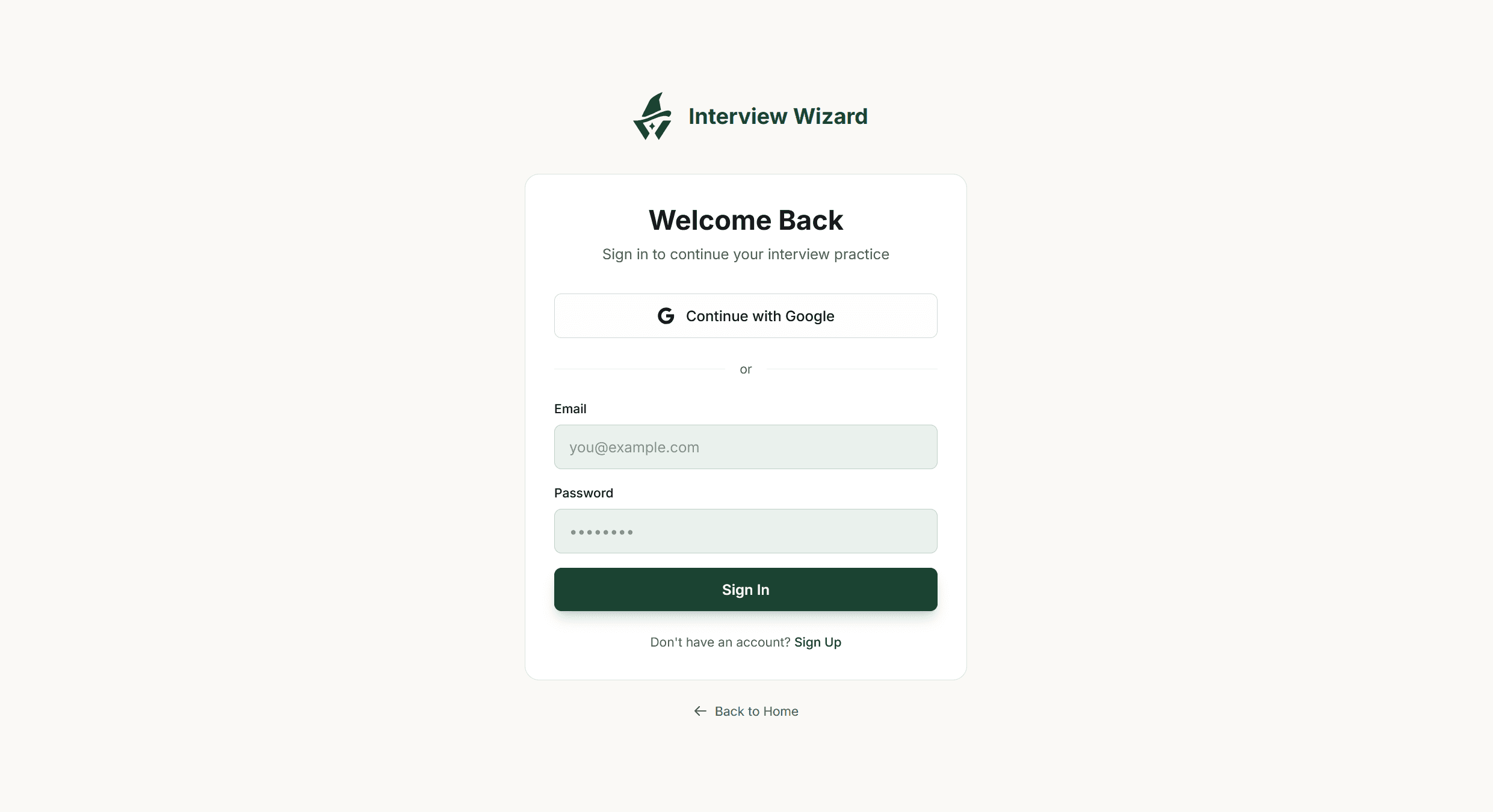
Sign in to get started
Use Google or your email to sign in, or create an account to keep your interview practice in one place.
Select image to view full size - 02
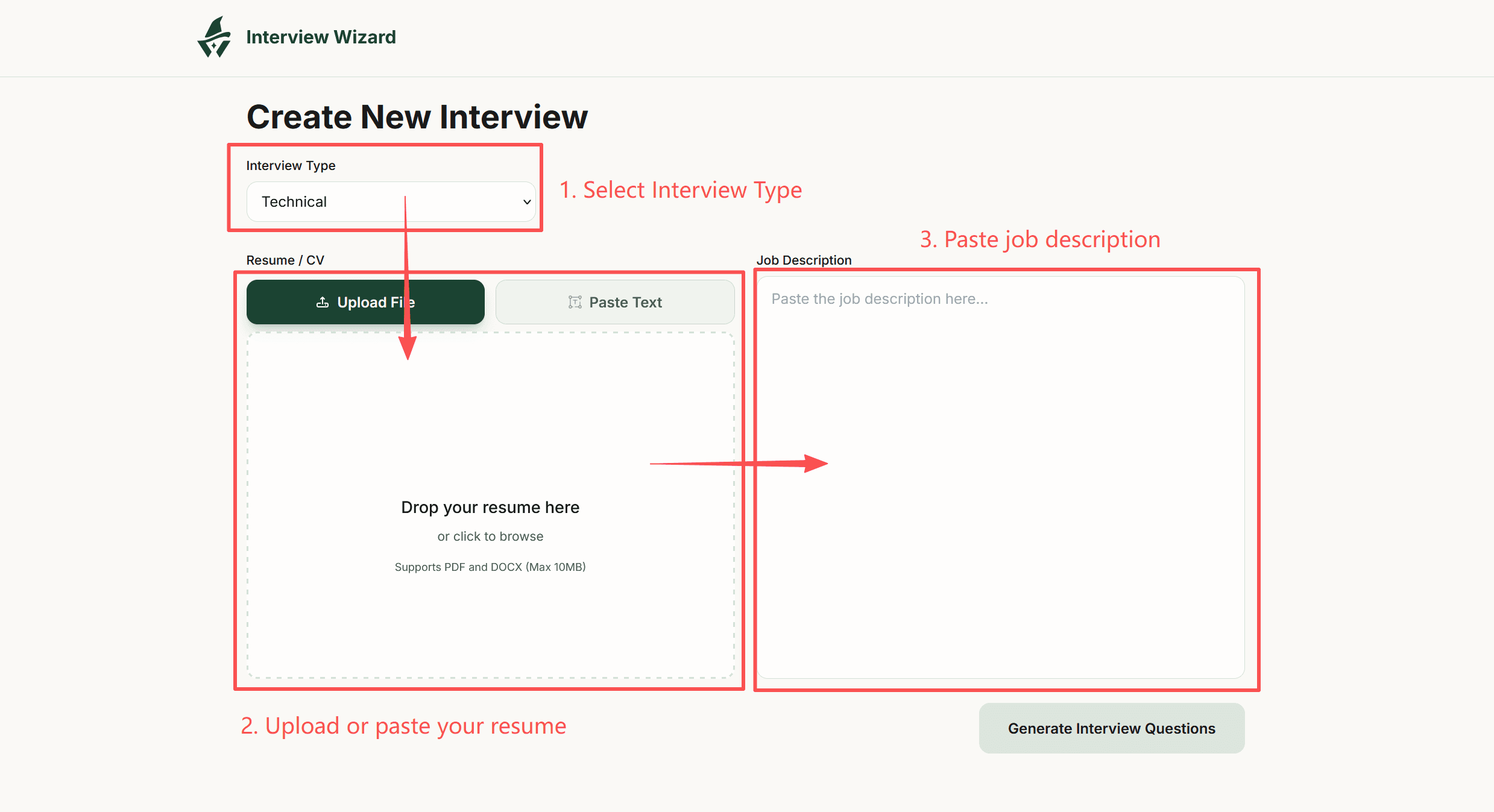
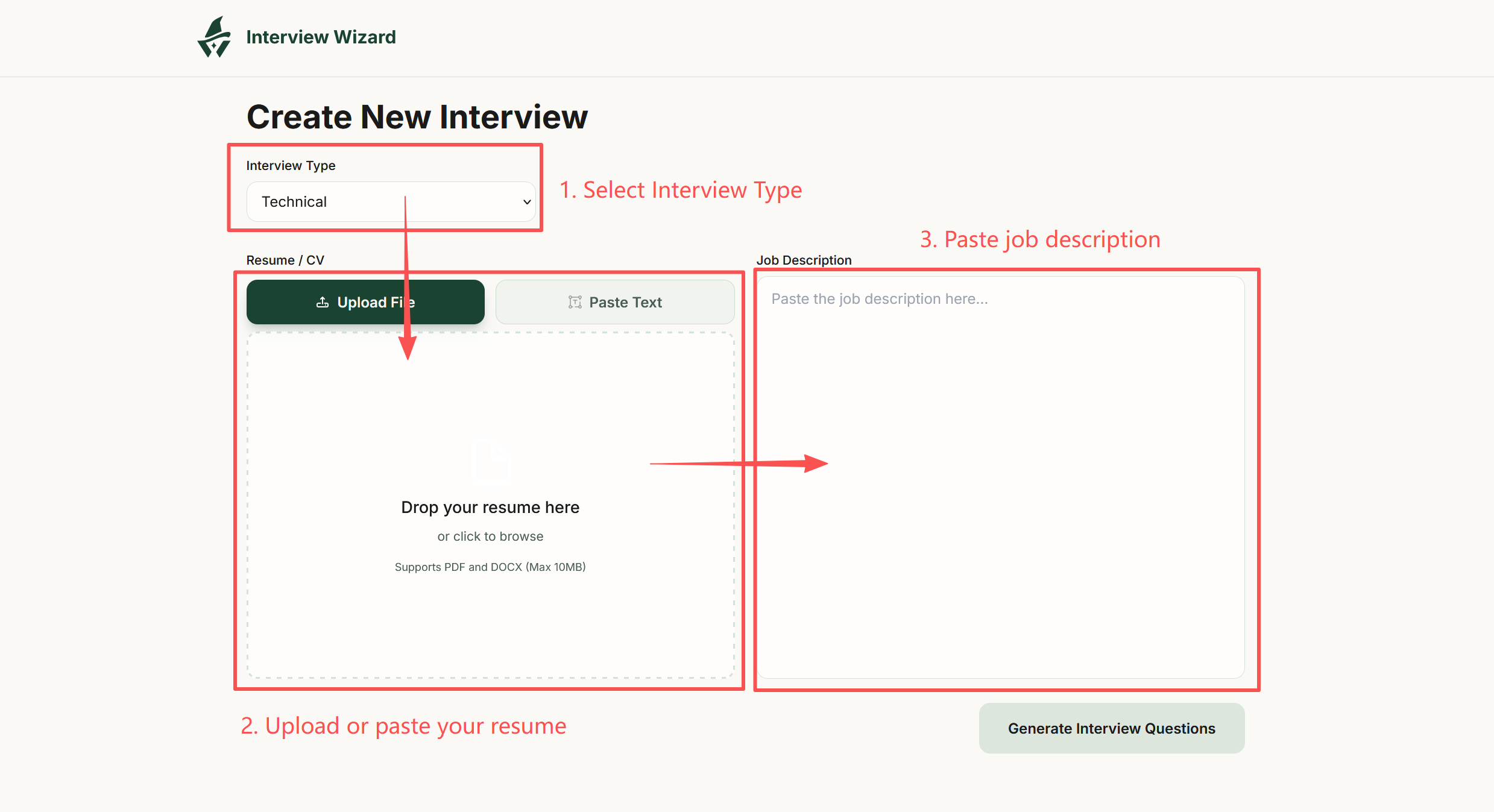
Bring your resume and target role
Choose an interview type, upload or paste your resume, and add the job description for the role you want.
Select image to view full size - 03
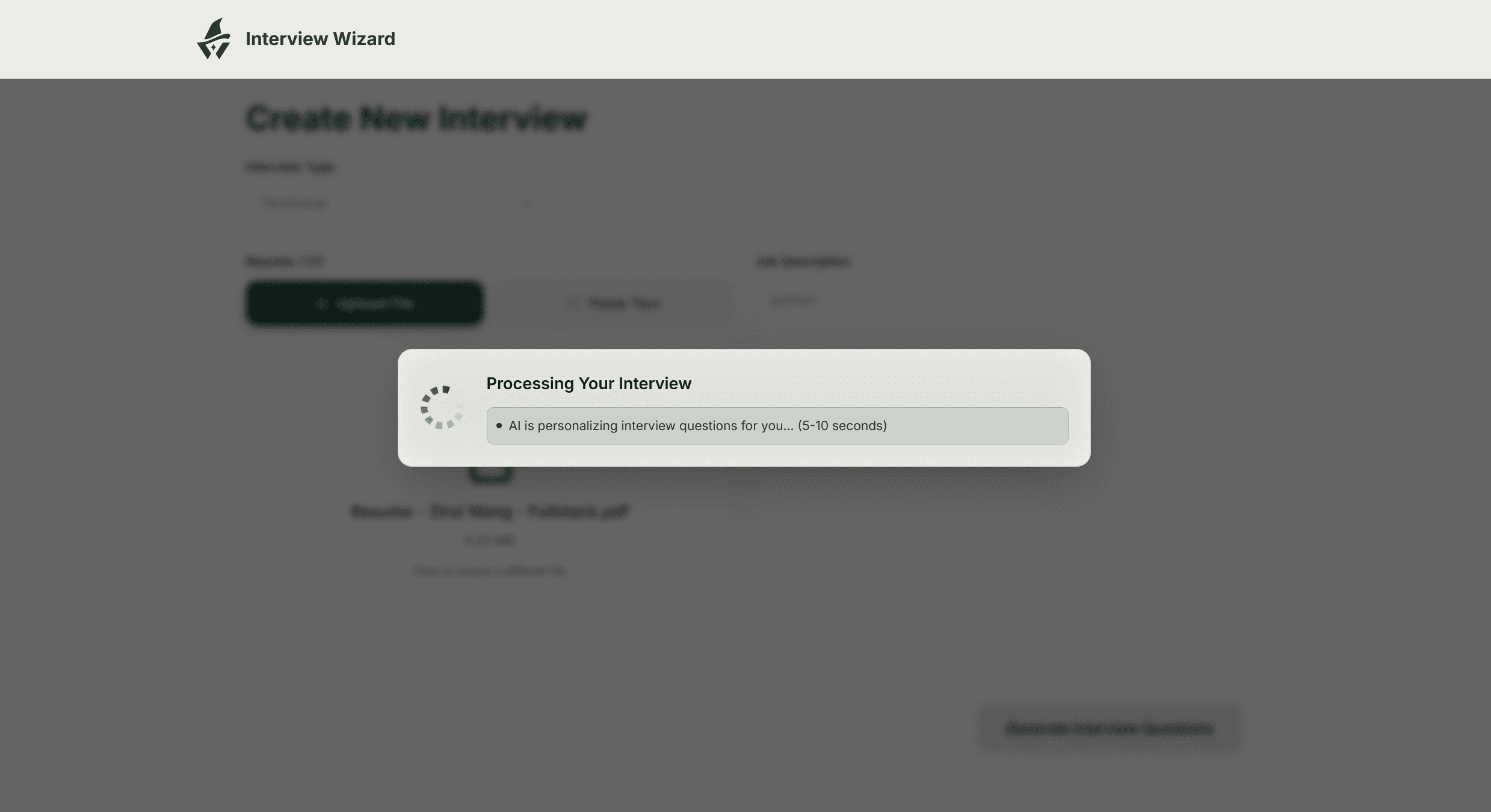
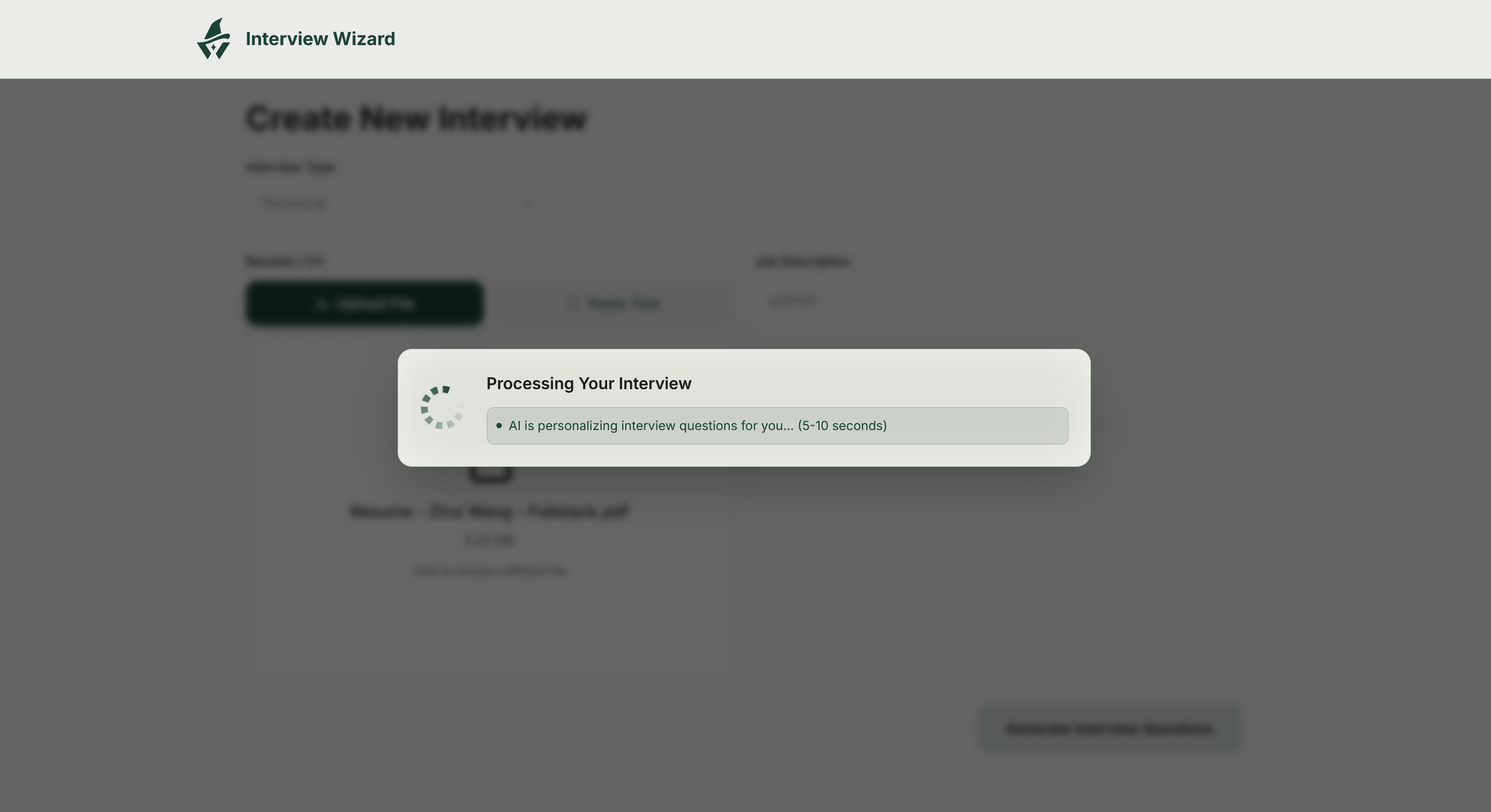
Let AI prepare your questions
Interview Wizard uses your experience and the job requirements to generate a tailored set of interview questions.
Select image to view full size - 04
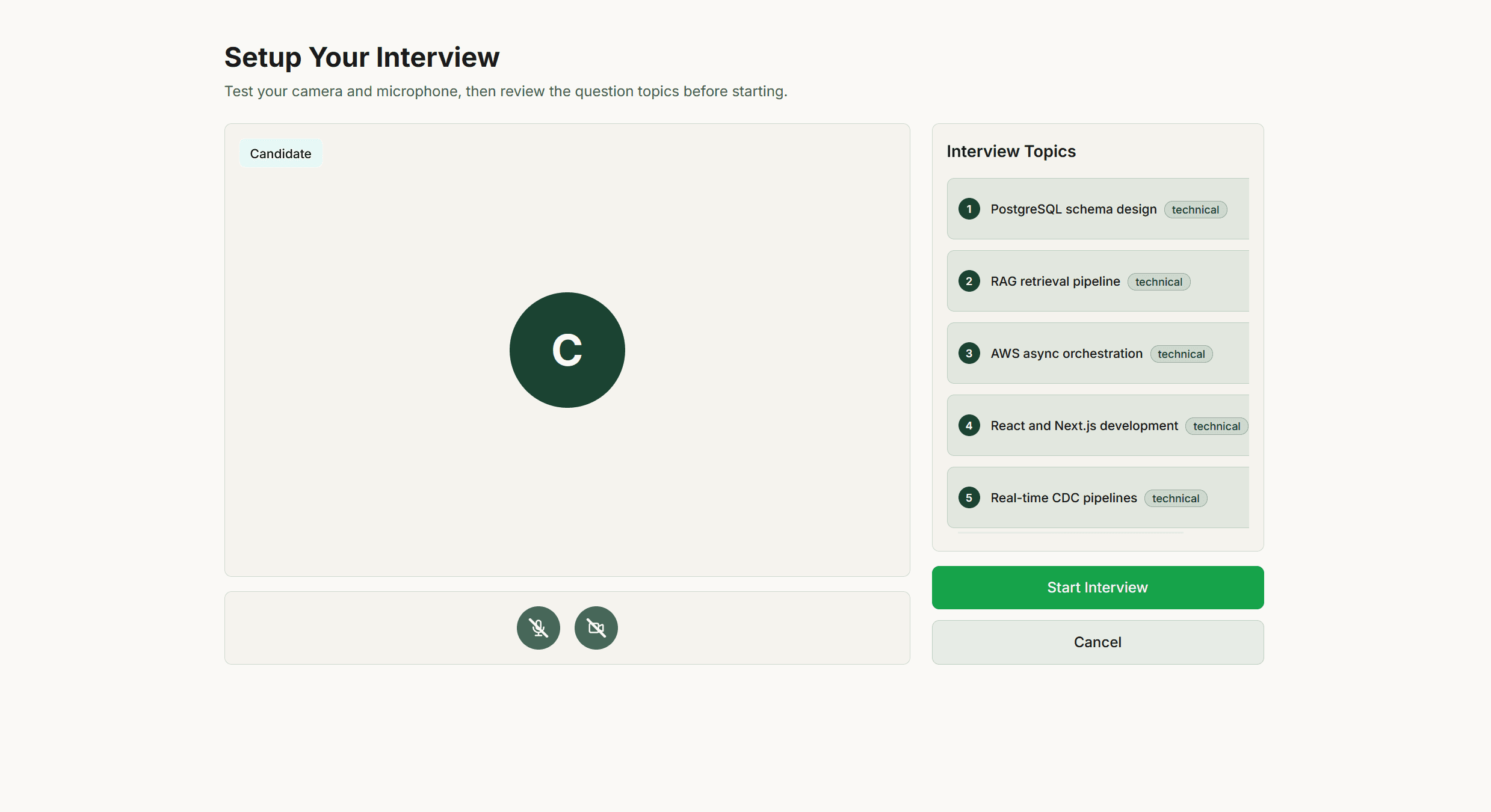
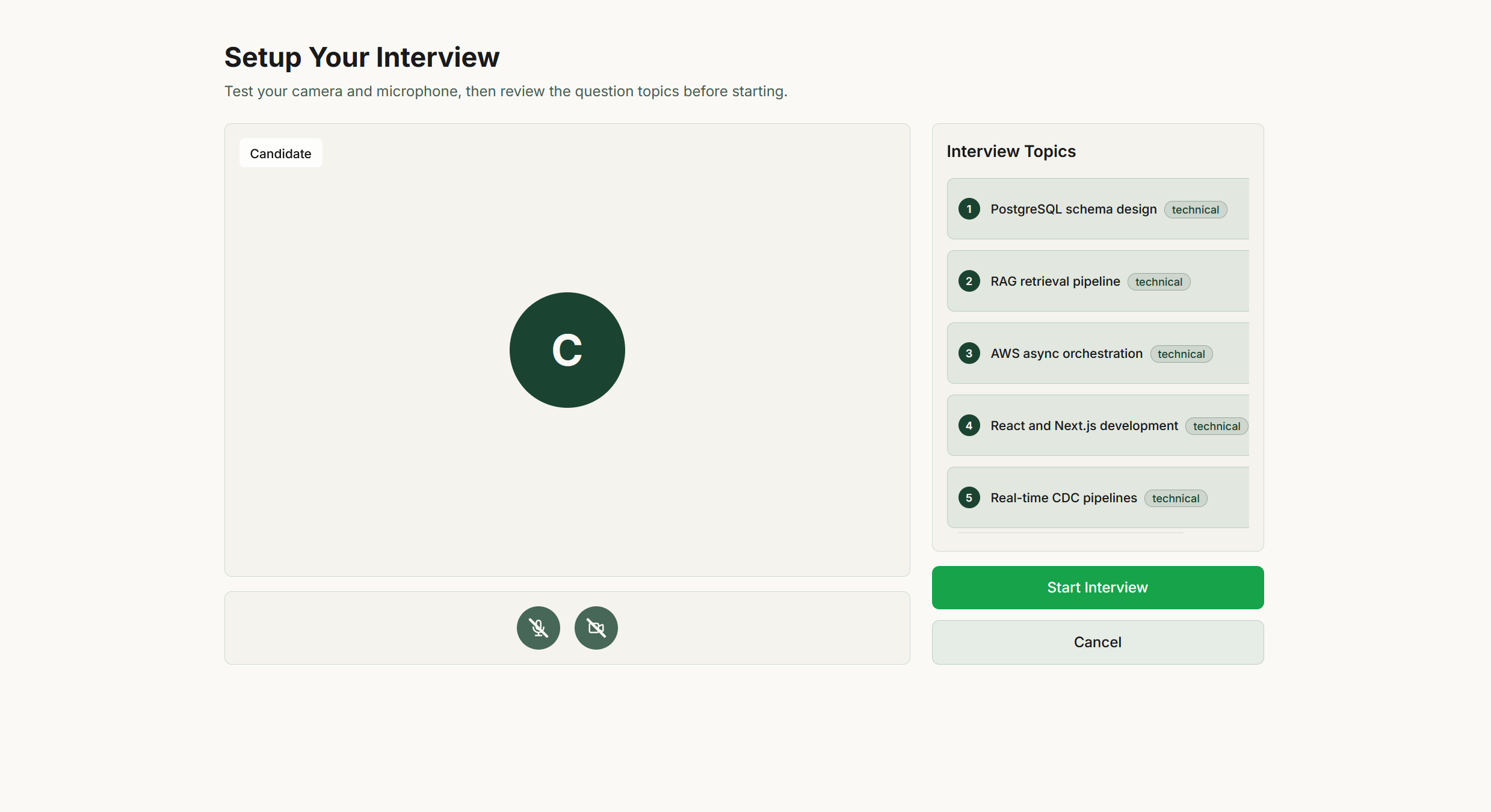
Review your topics and get ready
Check your microphone and camera, review the interview topics, and start when you feel ready.
Select image to view full size - 05
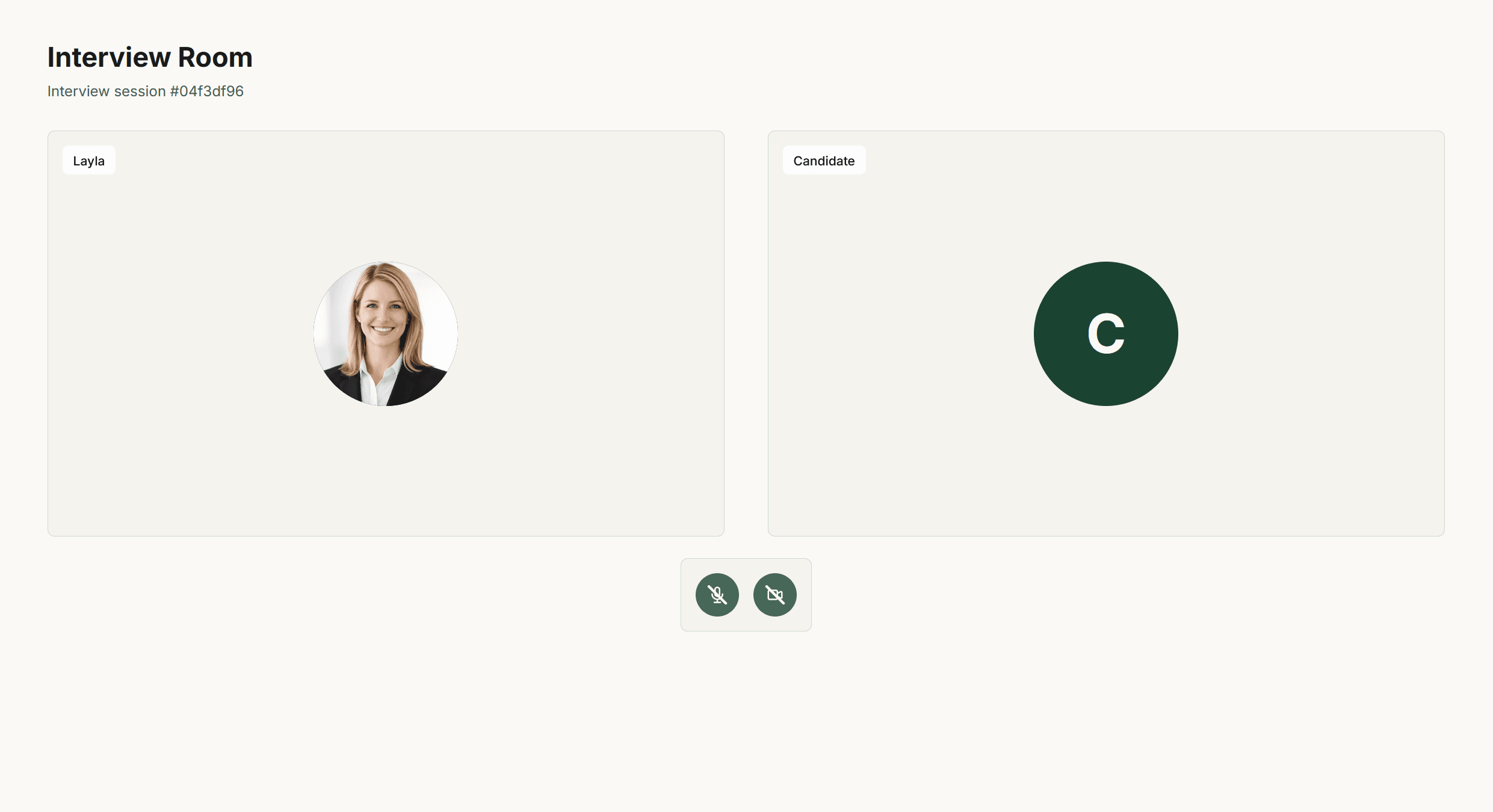
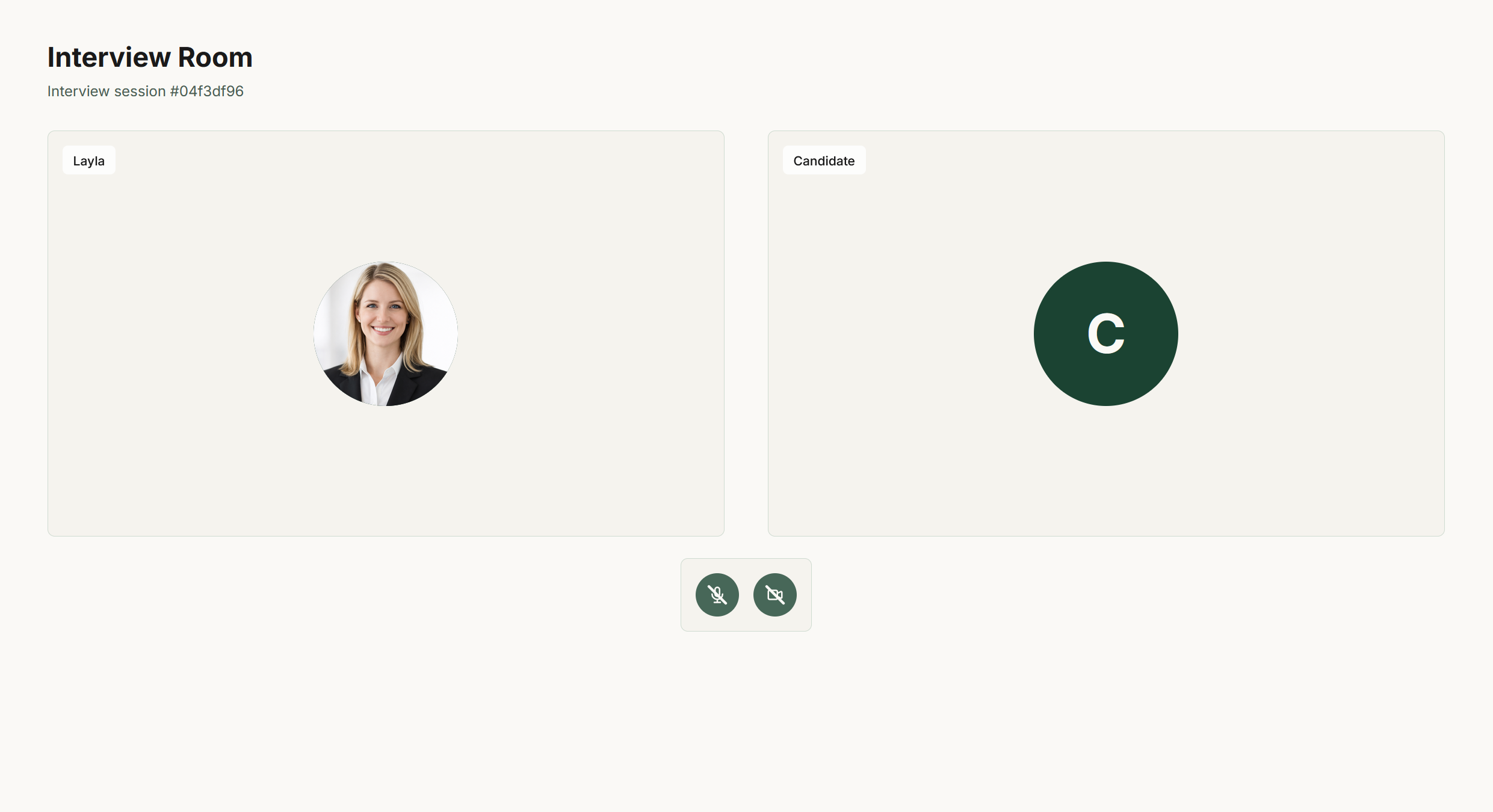
Have a real conversation
Answer your AI interviewer out loud and work through follow-up questions. Practice explaining your experience clearly and confidently.
Select image to view full size - 06
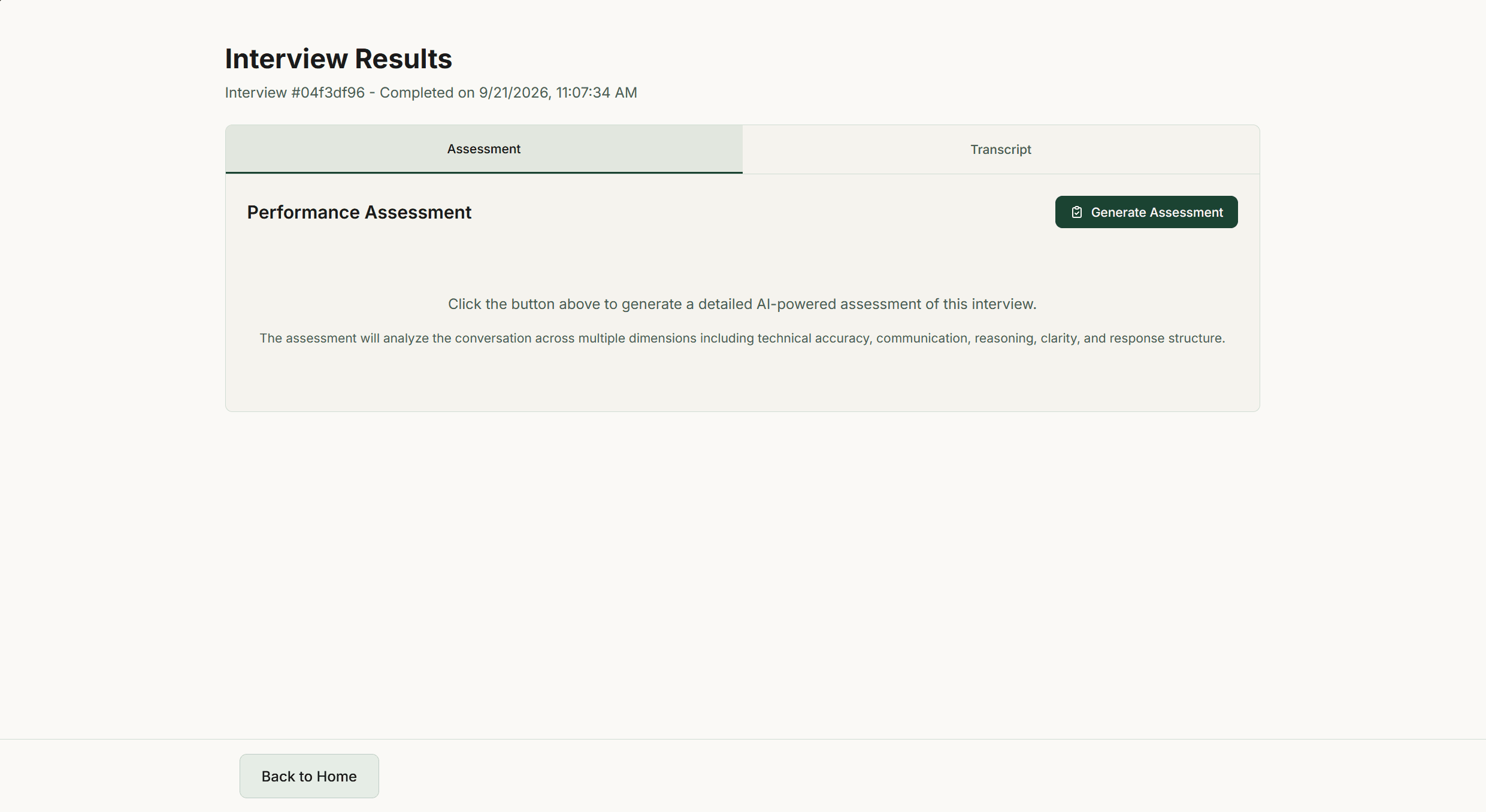
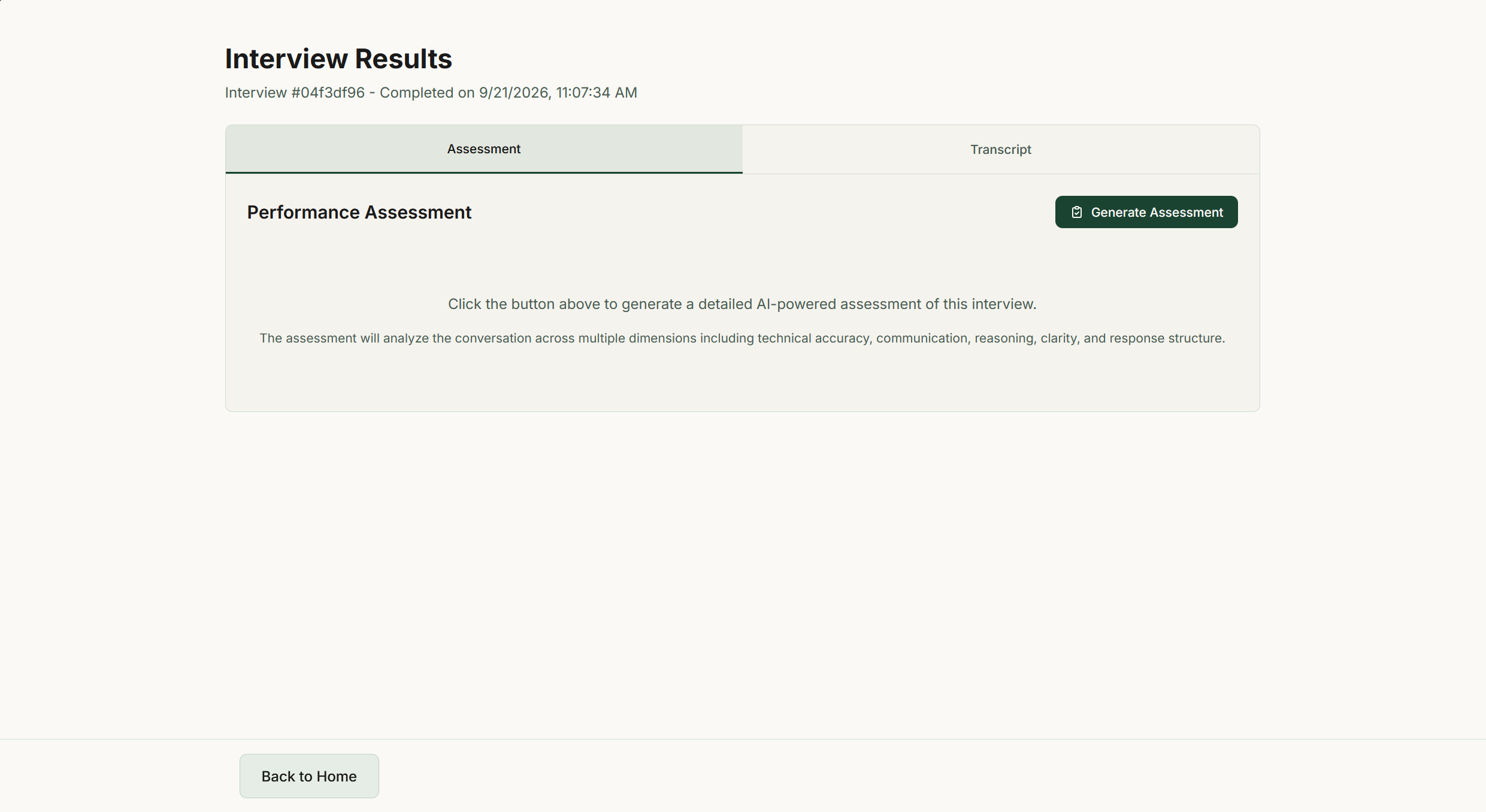
Turn feedback into your next step
Generate your assessment to review your strengths and areas to improve, then revisit your answers in the interview transcript.
Select image to view full size

Make your next interview feel familiar.
Bring your resume and a role you want. Start practicing today.
Start Interview for Free